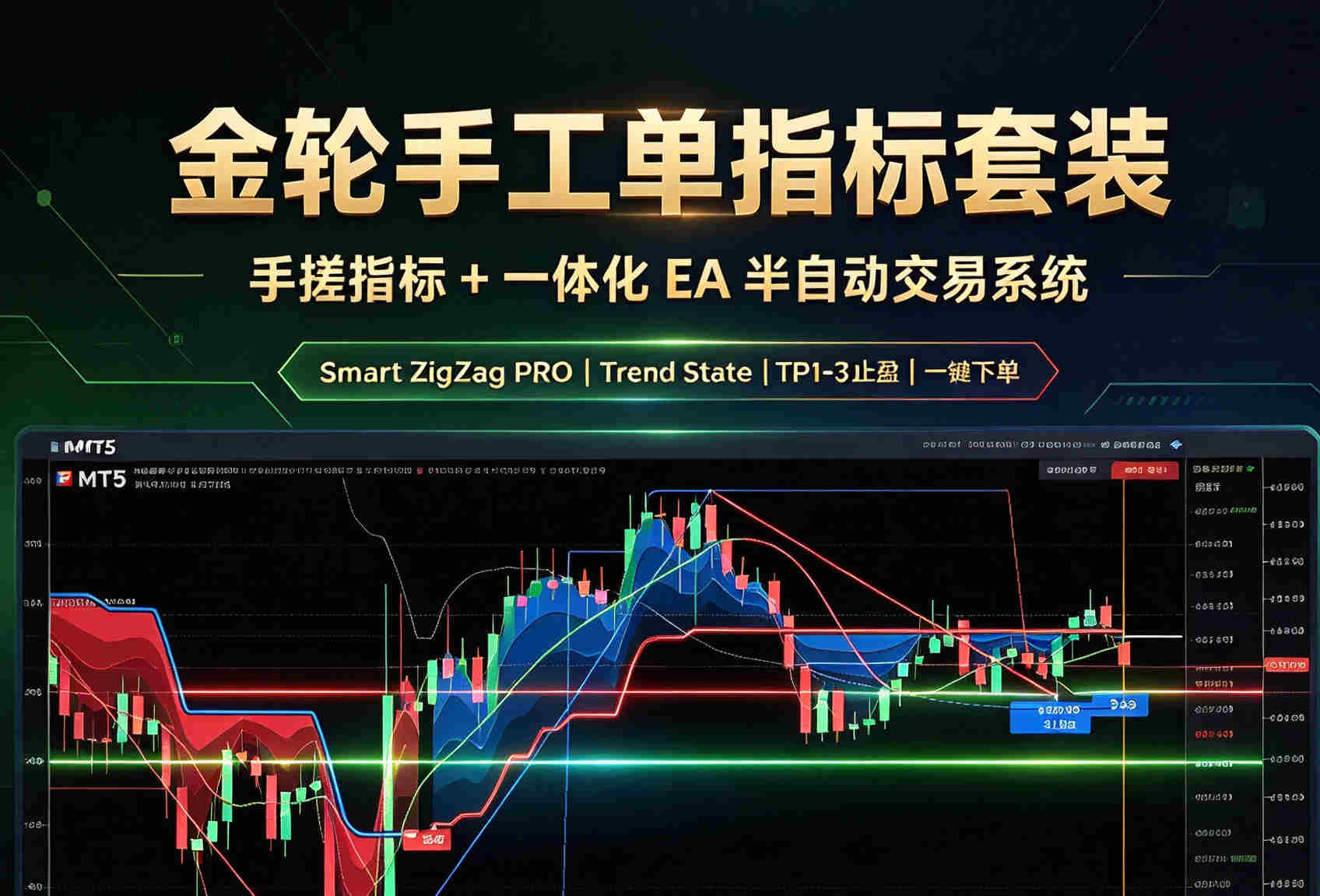
GoldWheel Quant "Hand-Tuned Indicator + All-in-One EA" Suite
Pinned Quarterly
Featured
MT5v3.0
Adaptive ZigZag + Gaussian clustering take-profit + Trend State Signals + TradingView color scheme + auto attachment + deep-blue manual trading panel. The indicator reads signals, the EA places orders with a click — one suite does it all.
Details & Usage Instructions
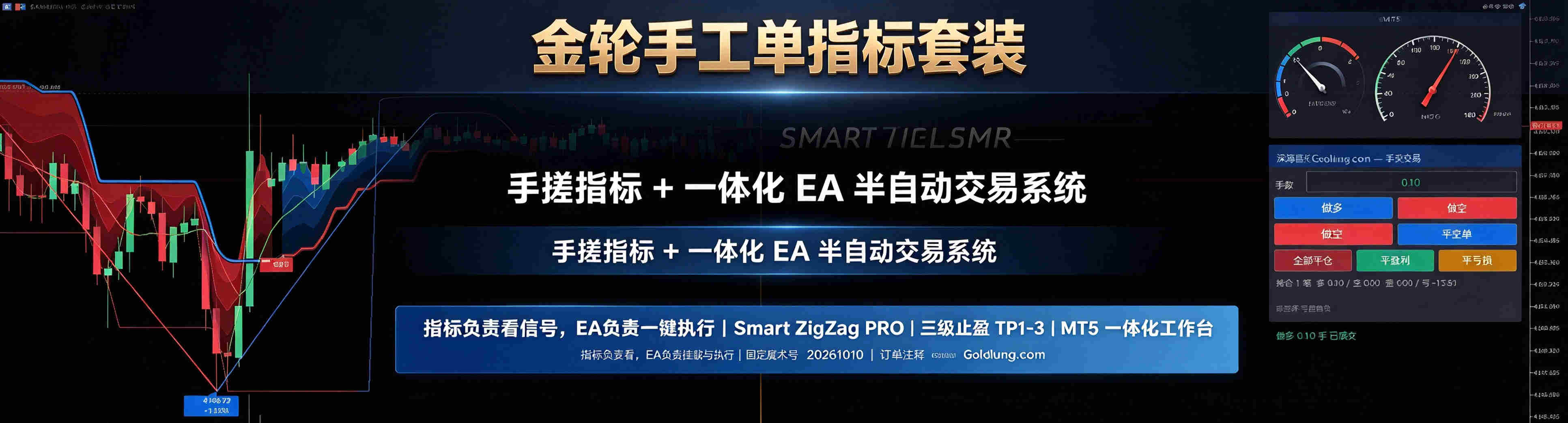
This is not a standalone EA, nor a standalone indicator, but a combination of a "hand-tuned indicator + all-in-one execution EA":
Component Type Role
GoldWheel Quant Hand-Tuned Indicator MT5 indicator (.ex5) Signals, charts, TP/SL and dashboard display
GoldWheel Quant All-in-One EA MT5 EA (.ex5) Auto-attaches the indicator + manual trading panel + order execution
One-line positioning:
The indicator does the "watching"; the EA does the "attaching + manual ordering". Together they form a semi-automatic trading system you can trade by clicking buttons right on the chart.
II. Indicator highlights: Smart ZigZag PRO + Trend State Signals dual engine
1. Core signal engine
Self-tuning ZigZag: manual min/max retracement (default 6-36), adaptive to volatility - not fixed-parameter rigid pivots.
Statistical baseline + ALMA smoothing: the baseline is computed from a Gaussian-weighted centroid (POC), not a simple moving average.
ACF autocorrelation engine: determines whether the market is trending or ranging, which affects pivot sensitivity.
Momentum normalization + Z-score: quantifies "how fast this swing is moving" into momentum grades 1/2/3.
2. Take-profit engine (TP1-3)
Gaussian clustering over historical pivot amplitudes automatically derives three TP lines: TP1/TP2/TP3.
Each line carries its historical hit probability (e.g. "TP1 (68%)").
Supports "TP distance scaling" to pull lines closer or push them further away.
Supports disabling TP2/TP3 and keeping only TP1.
3. Trend State Signals
Trend line + gradient ribbon (4 layers, simulating TradingView gradients).
Trend line color flips with the trend (bright cyan-green / bright red).
Bullish / bearish signal bubbles with arrows, confirmed at candle close.
The latest candle always shows a buy/sell power label (optional).
4. Chart visualization
ZigZag polyline + pivot bubbles (price + change %).
TP lines + bubbles (color-coded TP1/TP2/TP3).
Stop-loss line (white dotted).
Projection vertical lines (estimated line / max window line).
Buy/sell power marks (percentage bubbles).
5. Dashboard
Time window (elapsed / adaptive retracement / projected window) + progress bar.
Price distance (from pivot / dynamic threshold) + progress bar.
Buy/sell power (bulls % | progress bar | bears %).
Probability bias (bullish / bearish / neutral).
Multi-timeframe trend (MTF, optional).
Current stop (SL / reverse SL).
6. Appearance
One-click TradingView color scheme (pure black background + bright cyan-green / bright red candles + dark-gray grid).
Latest candle auto-centered (50% whitespace on the right).
All bubble sizes, spacing and arrow-tip heights are adjustable in real time.
III. EA highlights
1. Auto-attaches the indicator
On startup the EA automatically attaches the "GoldWheel Quant Hand-Tuned Indicator" to the current chart - no manual dragging.
Skips automatically if the indicator is already attached (no duplicates).
Automatically removes the indicator when the EA is unloaded.
2. Manual trading panel (deep-blue style)
Buy / Sell (supports double-click within 1.5 s to confirm, preventing accidental taps).
Close shorts / close longs.
Close all / close profitable / close losing.
Lot-size input box, read in real time.
Live status: open position count, long/short lots, total profit/loss.
Panel position, width, font size and colors are all adjustable.
3. Order execution
Built on the MT5 CTrade standard library for good compatibility.
Filling mode (FOK/IOC/RETURN) is auto-set per symbol.
Fixed magic number 20261010, distinct from manual orders.
Order comment fixed as Goldlung.com.
Supports an "operate current chart symbol only" switch.
4. Two panel modes
The all-in-one EA ships with its own panel (default).
The indicator embedded panel (optional; communicates with the EA via the global variable SZP_CMD).
The two do not conflict; enable either as needed.
IV. Who it is for
Manual traders who want visual signals plus a one-click order panel.
Users of ZigZag / pivot / trend-following strategies who need TP reference levels.
Fans of TradingView-style charts who want to replicate that look on MT5.
Anyone who wants indicator + EA in one suite instead of buying two products separately.
Risk Warning:Resources on this site are for learning, research and technical exchange only, and do not constitute any investment advice. Before running any EA on any account, please do thorough forward-testing on a demo account first; no strategy can guarantee profits.